
Crash to desktop, no explanation.
The game just vanishes. No error, no clue — back to the desktop wondering what happened.
Free Tool · No Account · No Catch
Truck Crash Doctor reads what your game wrote down when it went bang — the crash log and the game log — and tells you, in plain English, which mod the evidence points to. Free, for ETS2 and ATS.

The game just vanishes. No error, no clue — back to the desktop wondering what happened.
The game writes down exactly what went wrong — buried in thousands of lines of technical noise.
Half your evening gone, and you've probably removed three mods that were completely innocent.
Open Truck Crash Doctor after a crash. It finds your game folder and your mod folder automatically.
It reads game.crash.txt and game.log.txt — the game's own record of what went wrong — and checks them against your active mods.
You get a plain-English verdict: which mod the evidence points to, why, and what to do about it. And when your mods aren't the problem, it says so.
Open it and both games are already found, logs and all. Pick one, hit 🔍 Find My Crash, done.
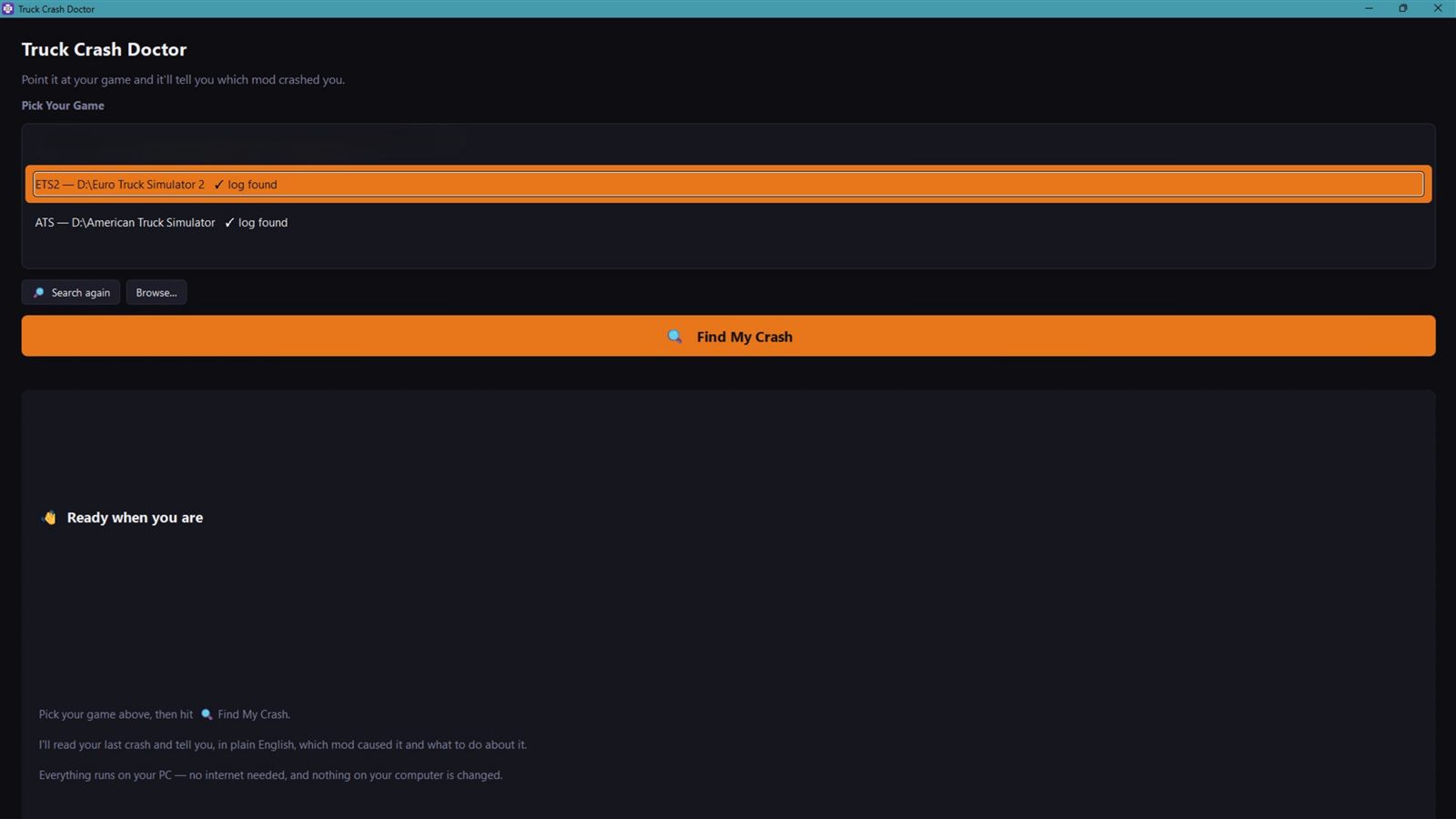
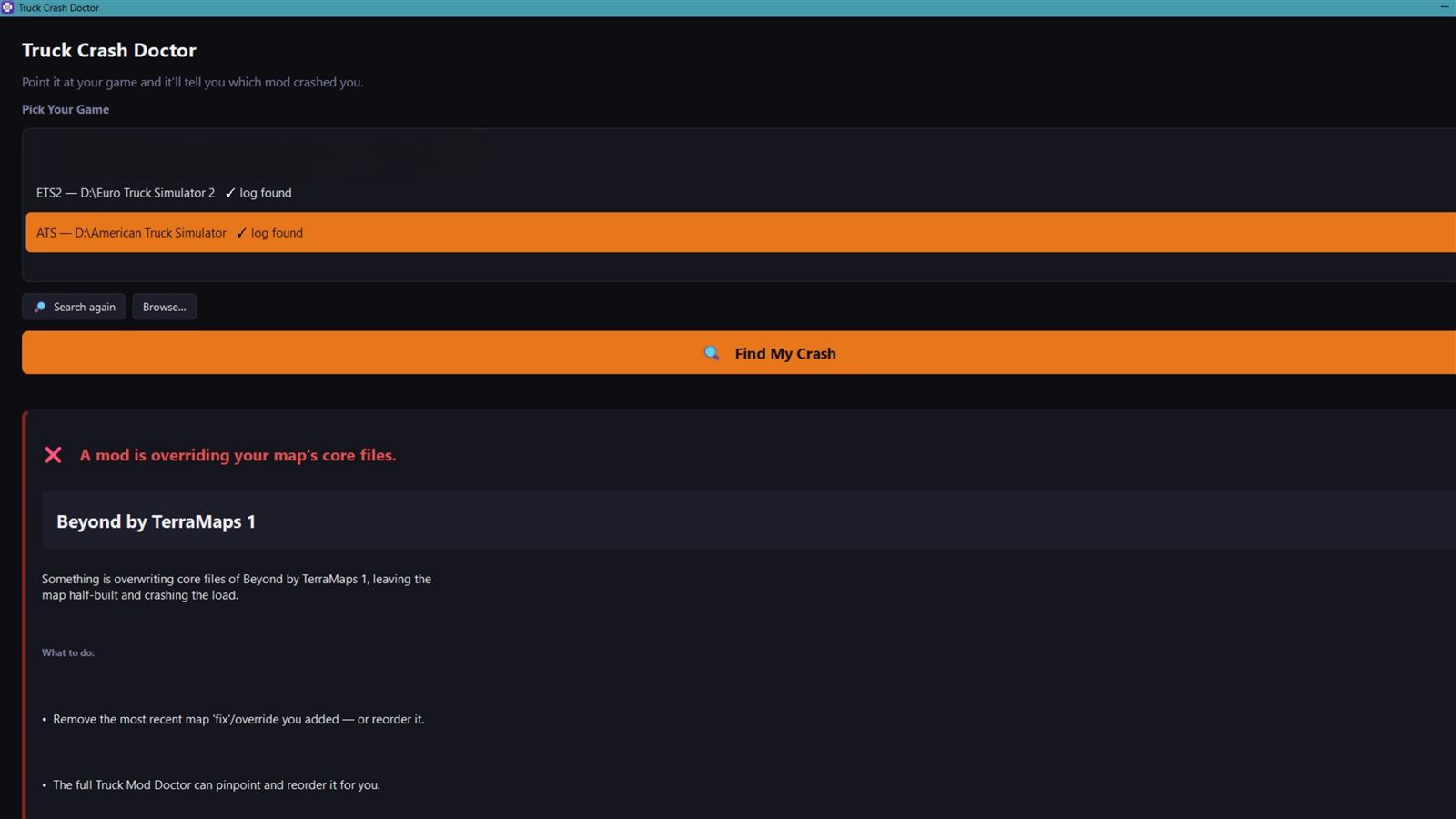
Not just “something went wrong” — it names the mod, explains what it did in plain English, and tells you exactly what to do next.
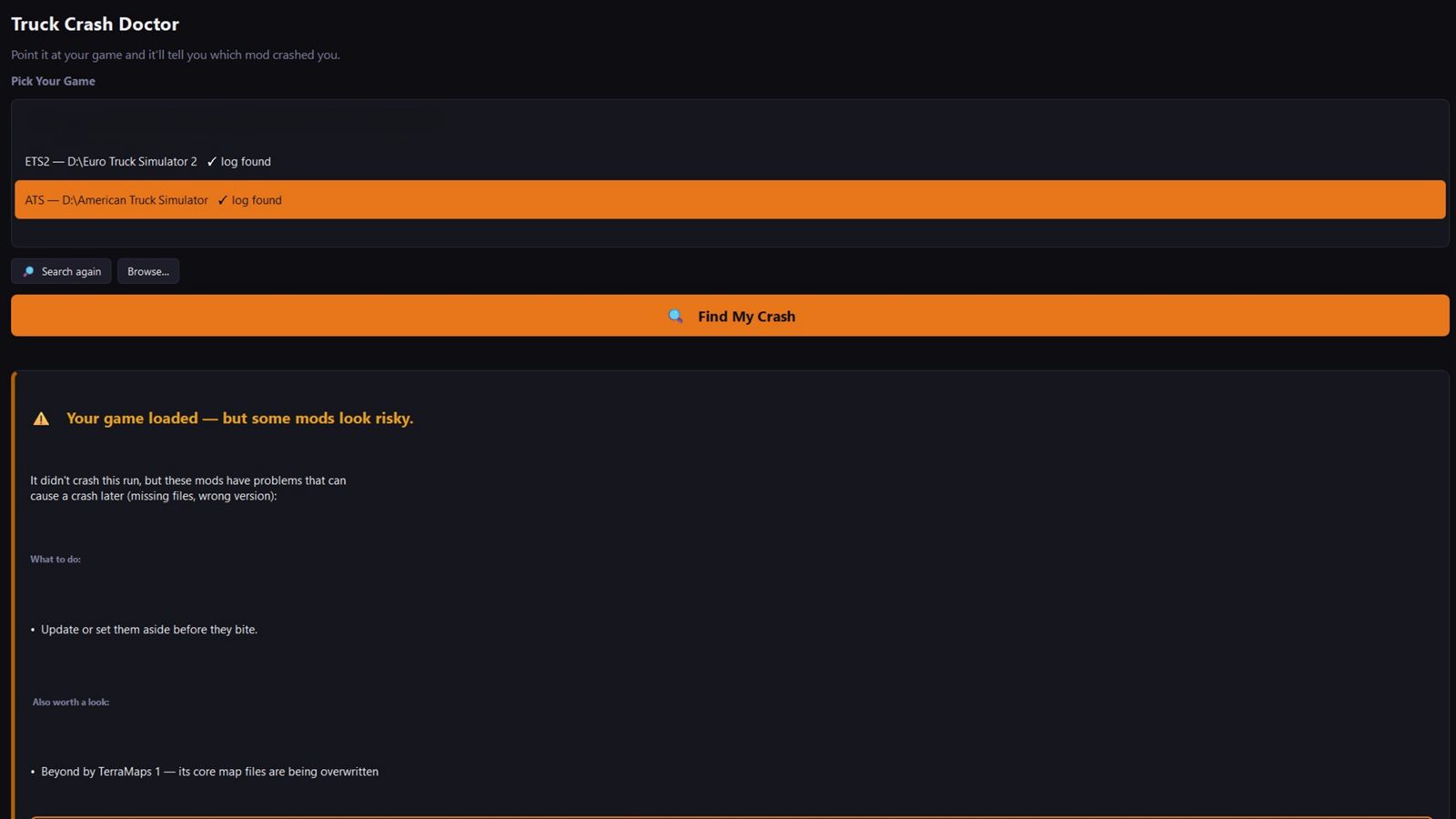
Even when your game loaded fine, it flags the mods with problems that can bite later — missing files, wrong versions — so you can sort them on your terms.
Truck Crash Doctor only reports what your game actually logged: mods the game flagged as incompatible, map conflicts, dashboard and HUD mods too old for your game version, missing dependencies, and known-broken combinations. If the game didn't record the cause, it tells you that honestly instead of inventing a culprit.
It's the same diagnosis engine as the full Truck Mod Doctor — the reading part, free for everyone.
Because the app is new and not yet code-signed (signing certificates are expensive for a free tool). The Windows SmartScreen warning just means Windows hasn't seen it before. Click More info → Run anyway. The download only ever comes from this site's link.
Enter 0 for the free download — that's the normal way, no guilt. The box is there so people who want to leave a tip can. Either way you get the same full app.
No — the crash diagnosis works fully offline. It reads your logs and mod folder locally.
It's the free companion. Truck Crash Doctor diagnoses a crash after it happens. The full Truck Mod Doctor also finds conflicts before you launch and fixes your load order with one click. You never need the paid app to get your crash diagnosed.
Sometimes the game doesn't record the cause — and in that case Truck Crash Doctor says so, with honest next steps, rather than blaming an innocent mod. If you think it got one wrong, tell us on Discord — real crash reports are how it gets smarter.
Yes — it checks your local mods and your Steam Workshop mods, same as the game does.
Free download. No account. Read-only. Works with every modded ETS2 and ATS install.
Download Truck Crash Doctor →Want the app that fixes the crash too? Meet the full Truck Mod Doctor →